Image viewer
Static SVG, PNG and JPEG images
Inspect static SVG, PNG and JPEG images inline or in a floating window. Askr supplies zoom, pan and Fit controls for the image.
Click an independent figure or its button to open Askr’s floating viewer. Use + / −, Fit, drag to pan or pinch to zoom. Escape returns to the article.
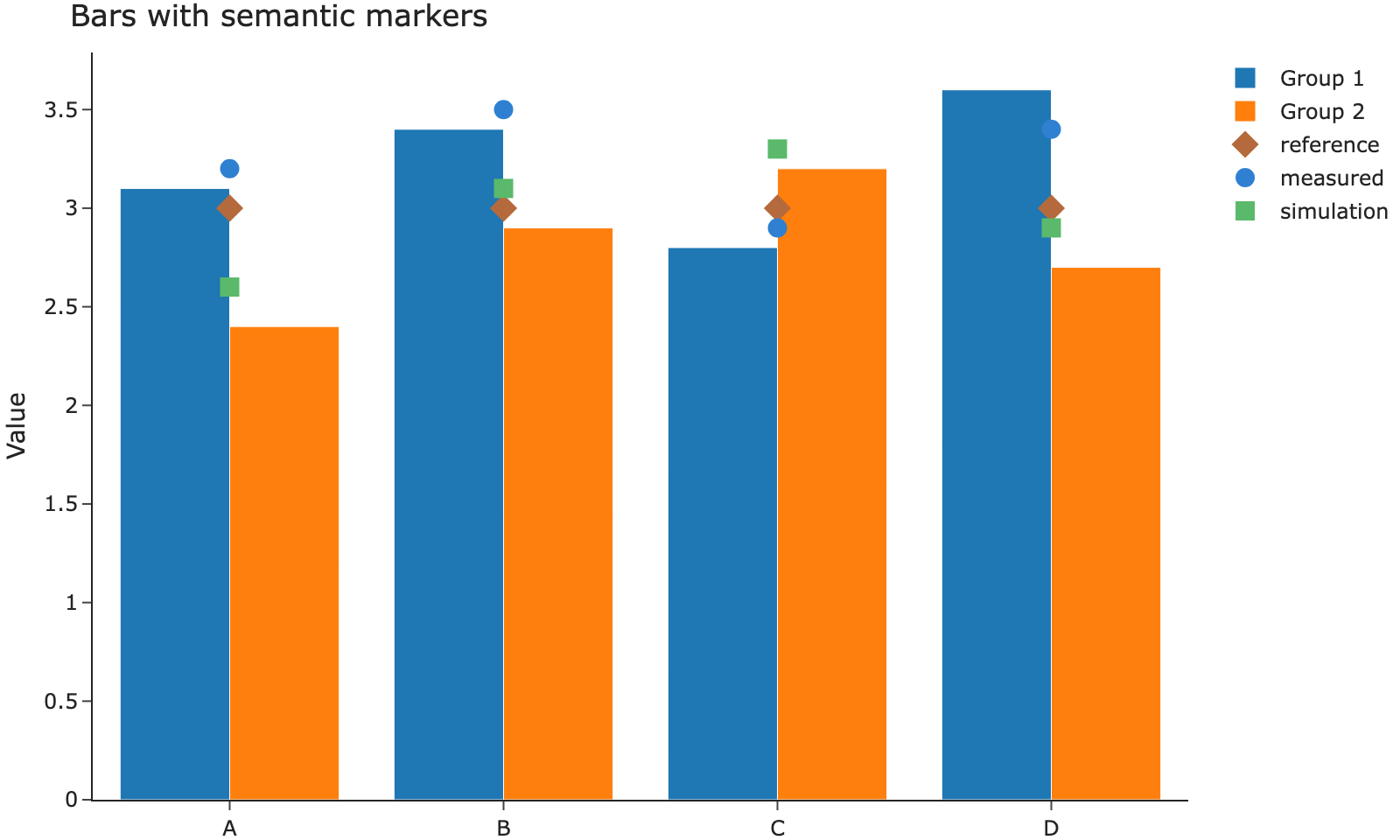
This button opens the same image and caption as the figure above. A button-only entry registers its own hidden image source:
View imageInline interaction
This PNG can be inspected directly in the article. Expand it after zooming: the same camera state follows you into the floating viewer and back.
SVG interaction
This existing Askr icon is vector artwork, not a scientific layout. Its geometry remains sharp when enlarged. Its camera is independent of the PNG.

Gallery
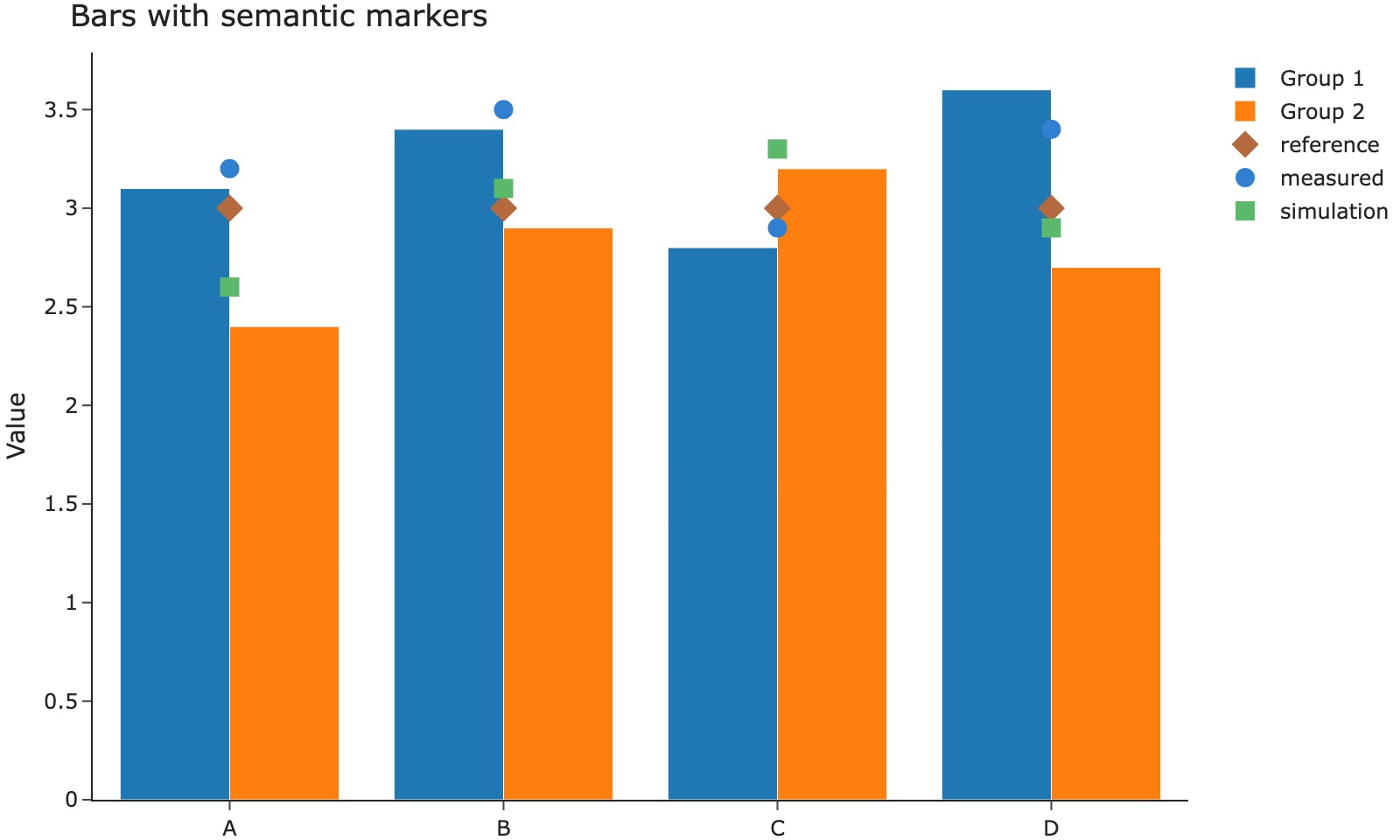
Excluded image
This image deliberately has no floating viewer:
Image with a link
The image below remains a normal navigation link to the figure Usage page.
See Image viewer for opt-outs, button syntax, and grouped galleries.
Choose the viewer
Use this viewer when the delivered asset is a static image. A chart exported as HTML keeps its own hover, zoom and pan controls in the Chart viewer. See the Image viewer guide for authoring options.